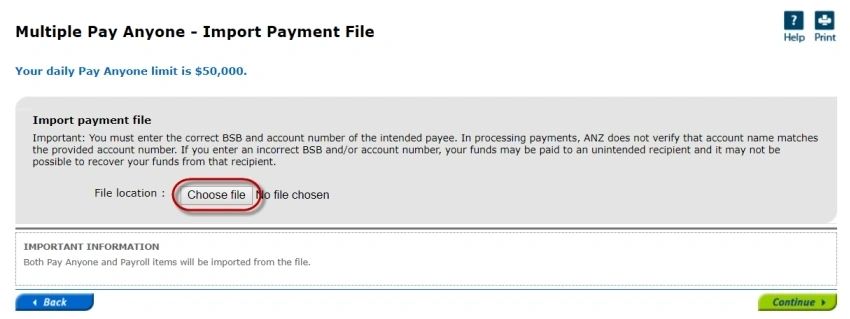
Upload an aba file
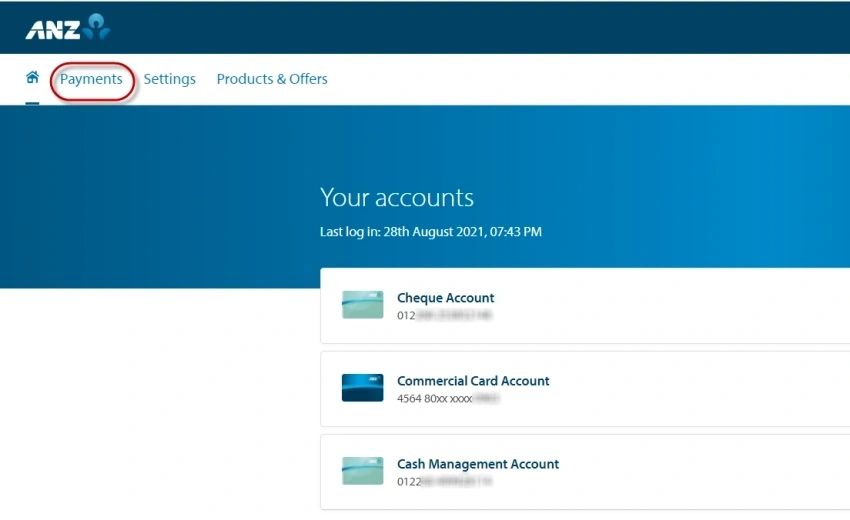
Log into ANZ Online Banking
Click on [Payments]
The Payments Screen opens
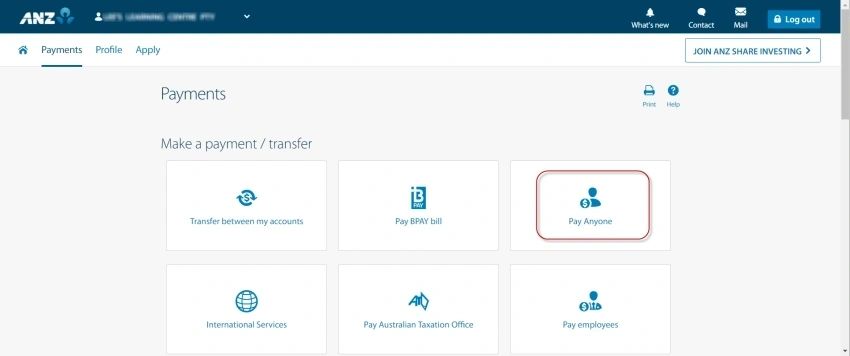
Click on Pay Anyone
The Payments Screen opens
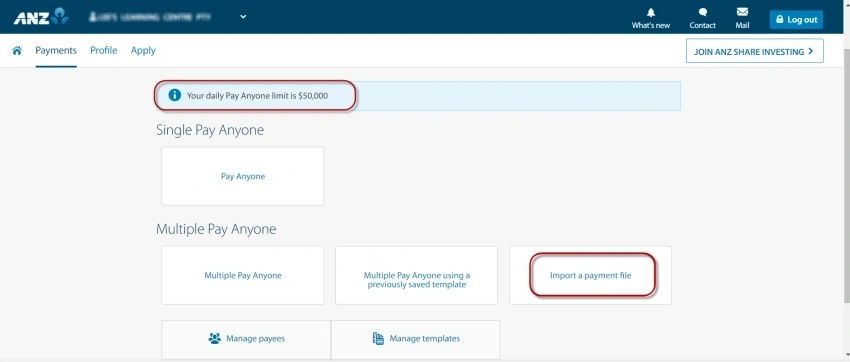
From the Payment screen you can see your payment daily limit
Click on [Import a payment file]
The Multiple Pay Anyone – Import Payment File screen opens
Click on [Choose file] select the aba file saved on your Computer and then click on [Continue]
Review the payment information and confirm the payment