Export the csv/qif file
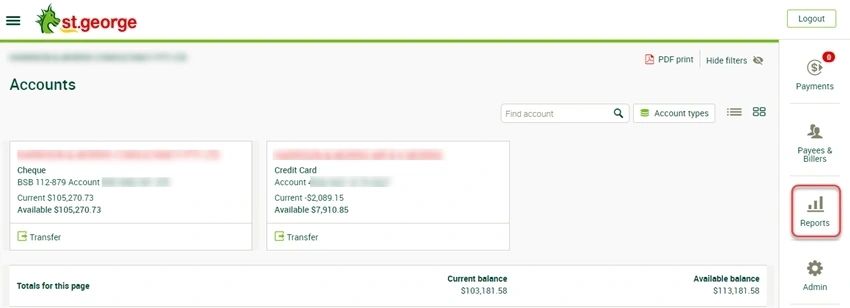
Log into St George Business Banking
Click on [Reports]
The St George Reports Screen opens
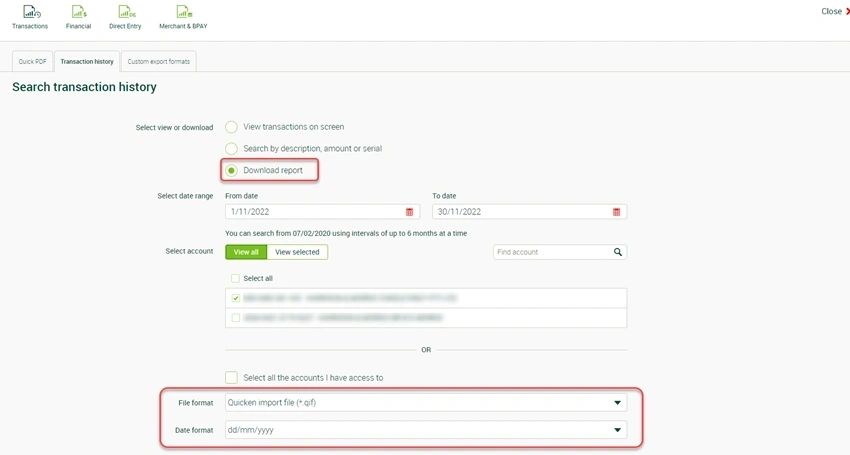
Select the [Transaction history] Tab
Select/Enter the following details:
Select view or Download > Select: Download report
Select date range > type the transaction (from/to) period
Select account > Select the Bank Account
File format > Select Comma separated values (*csv)
Date format > Select dd/mm/yyyy
Click on [Download Report]