Export the csv/qif file
Log into CBA Netbank Online Banking
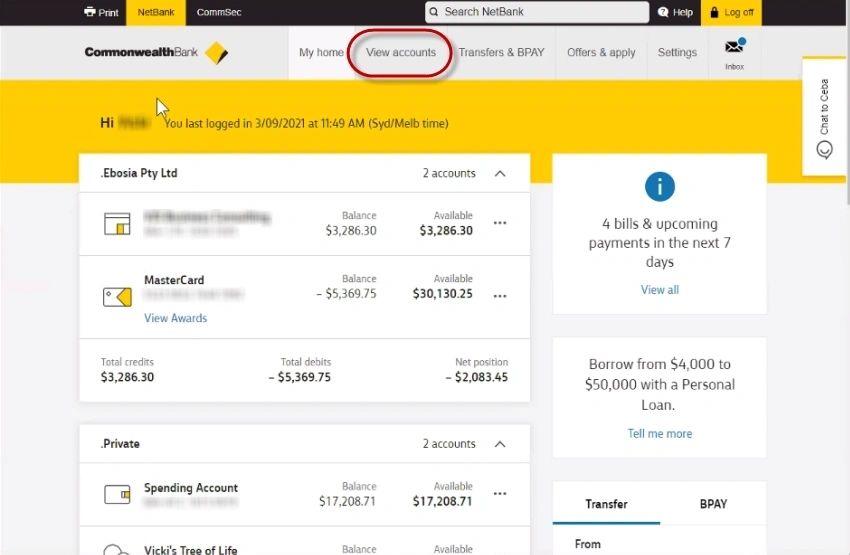
The Netbank Online Screen
Click on [View Accounts] > Transactions
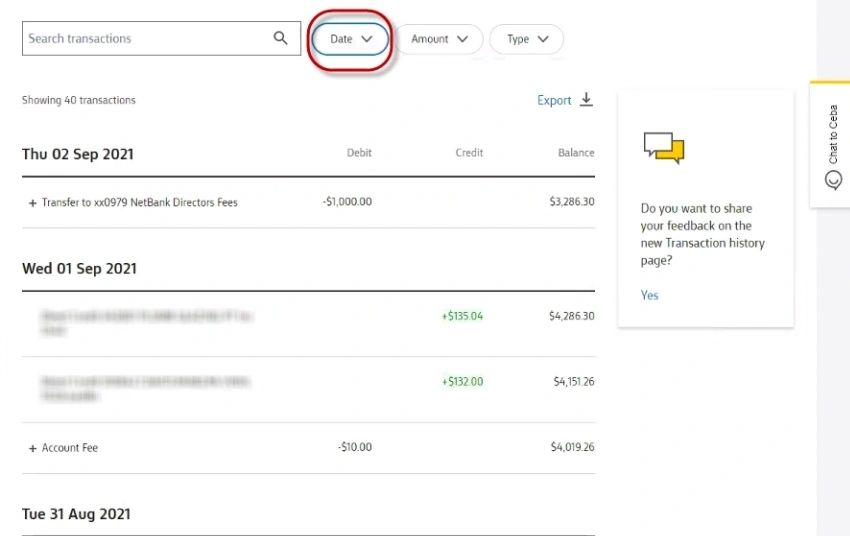
The Account Transactions screen opens
Click on [Dates] and select the period of the transactions you want to export
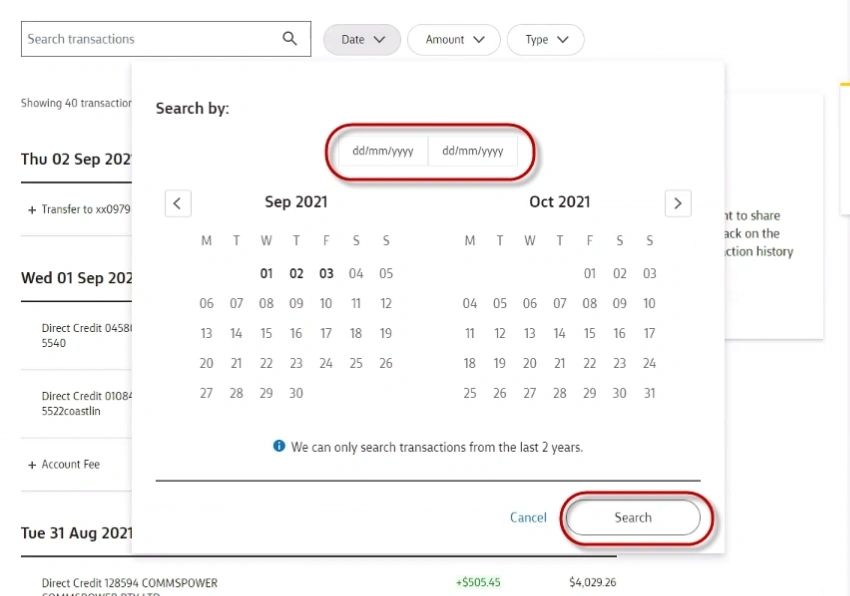
The Dates Filter screen
Click on [Search]
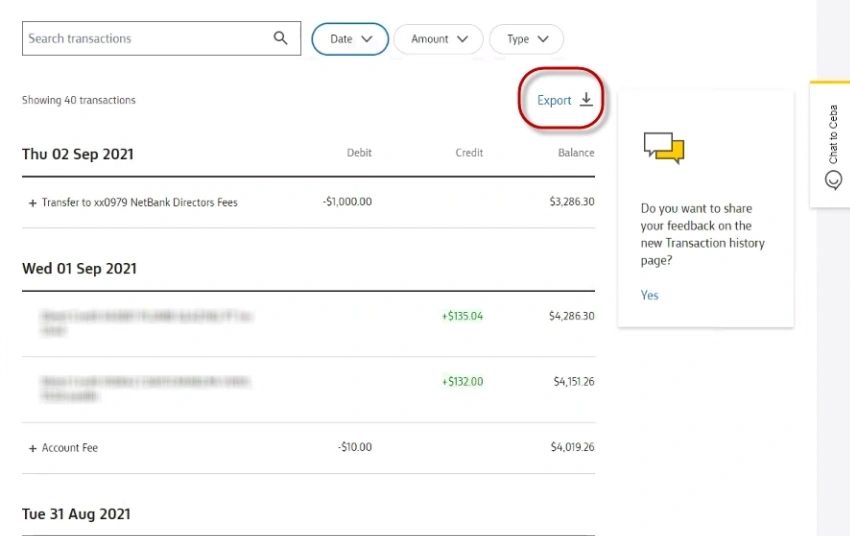
The Account Transactions screen
Click on Export
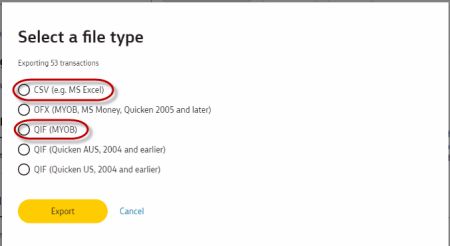
The Select a file type screen opens
Select either CSV and click on [Export]